How to Disable the Waiting Room in Zoom
In this article
Zoom's waiting room feature can be helpful for controlling who enters your meetings, but sometimes you may want participants to join directly without any delays. Disabling this feature allows attendees to enter your meetings immediately upon clicking the join link.
This guide walks you through the simple process of turning off the waiting room functionality in your Zoom account settings, giving you more streamlined meeting access for your participants.
Here's how to disable the waiting room in Zoom
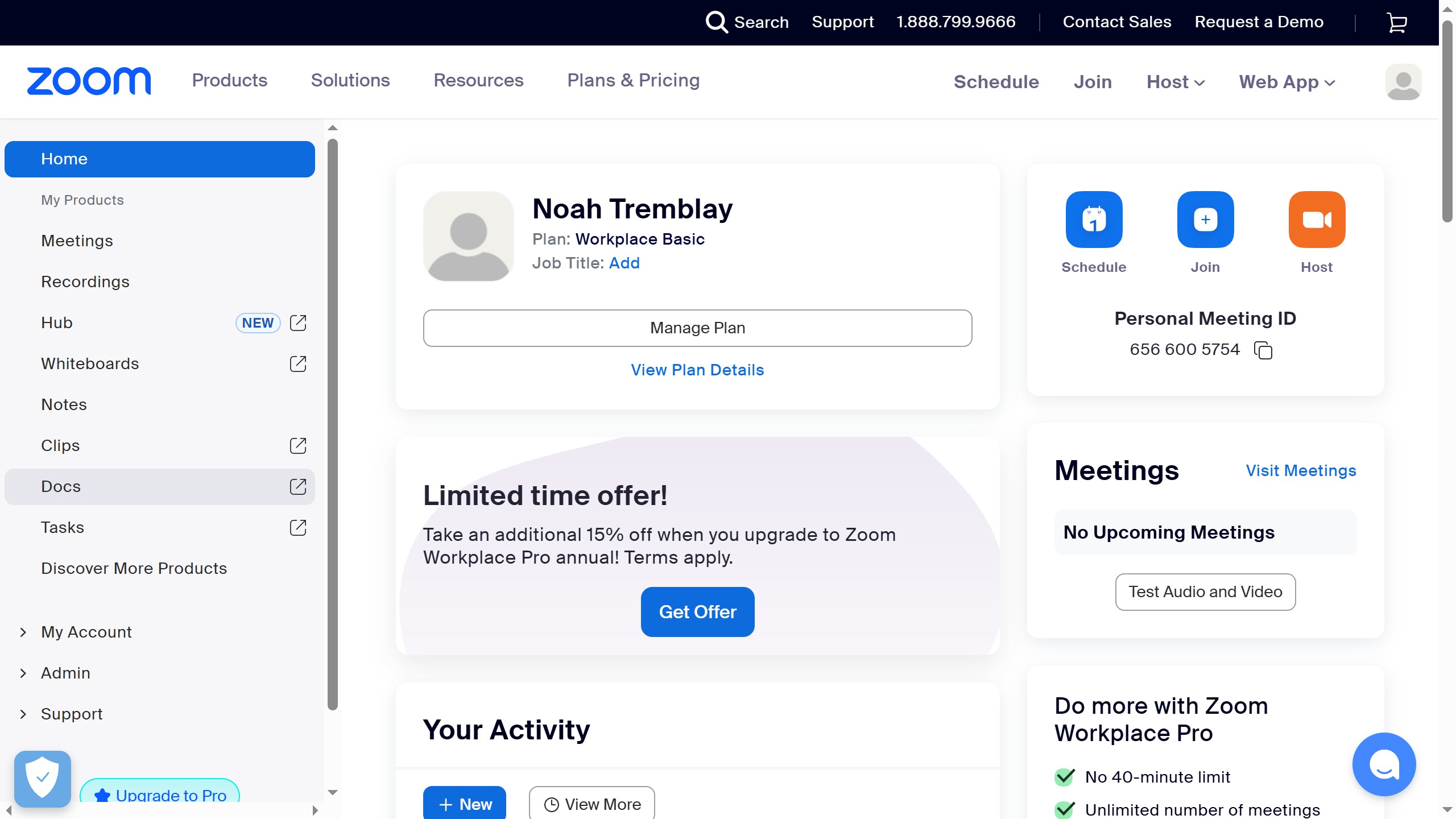
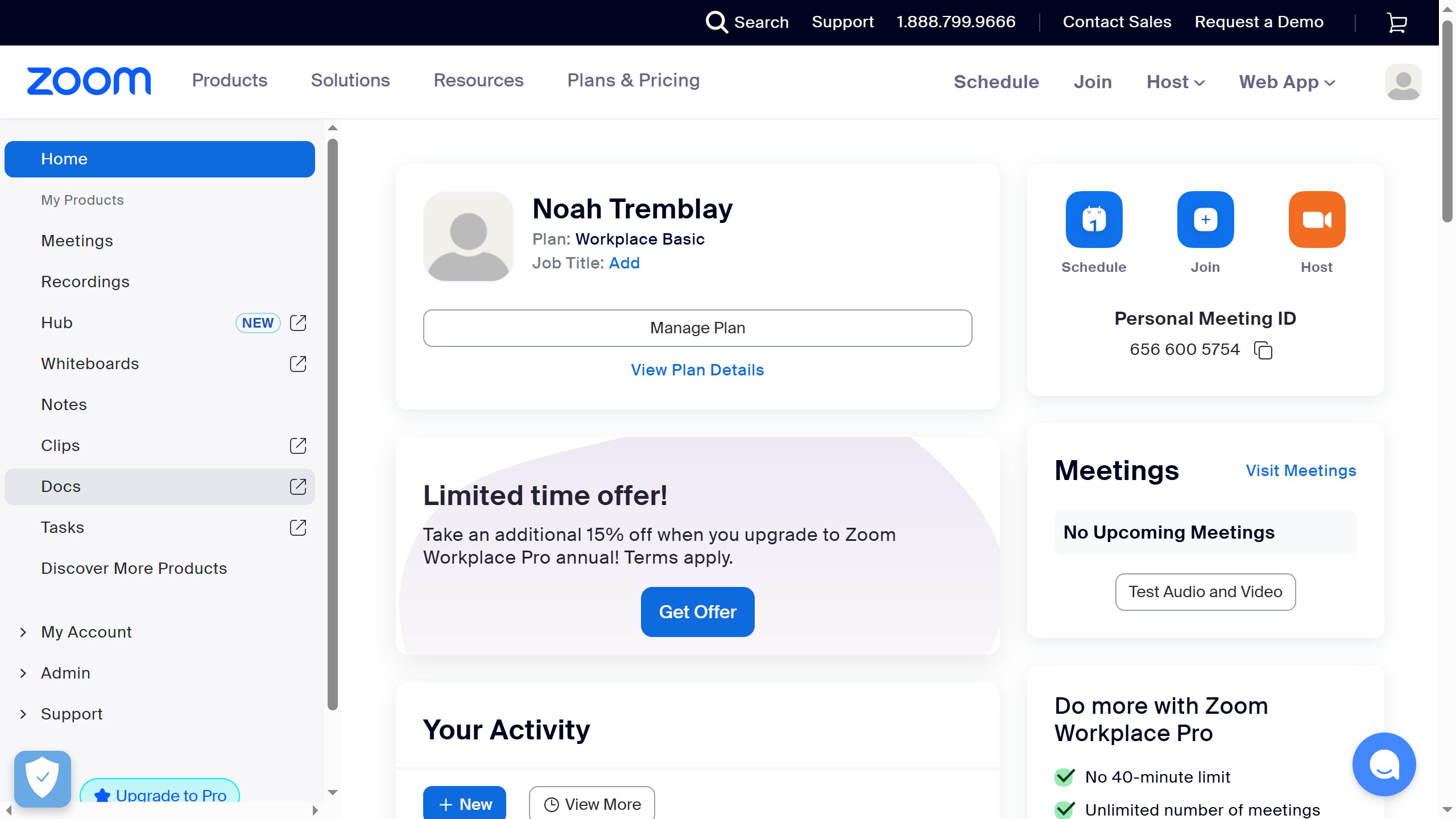
- Open your Zoom account and locate the Settings option in the left sidebar menu.
- Click on Settings to access your account configuration options.
- Select the Meeting tab to view meeting-related settings.
- Click on the Security section within the Meeting settings.
- Locate the Waiting Room feature in the security options list.
- Toggle off the switch next to Waiting Room to disable the feature.
Your turn to show how it works.
Build a walkthrough of your product with Saltfish, then share it with your customers.
Frequently Asked Questions
Disabling the waiting room does reduce one layer of meeting security, as participants can join directly without host approval. However, you can still use other security features like meeting passwords and authentication requirements to protect your meetings.
 Zoom
Zoom