
Video walkthroughs that
guide users inside your product
Video walkthroughs that guide users inside your product
Video walkthroughs that guide users inside your product
Create Loom-like walkthroughs that guide users right where they work, not in another tab

Powering hundreds of thousands of user experiences






How it works
Create in seconds and share infinitely
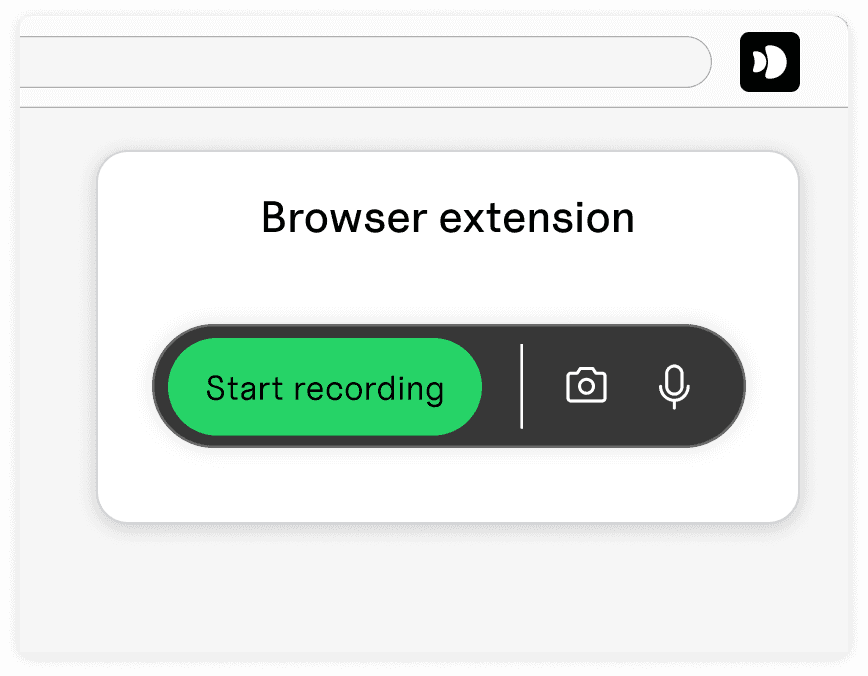

Record with extension
Start recording in any product with our browser extension
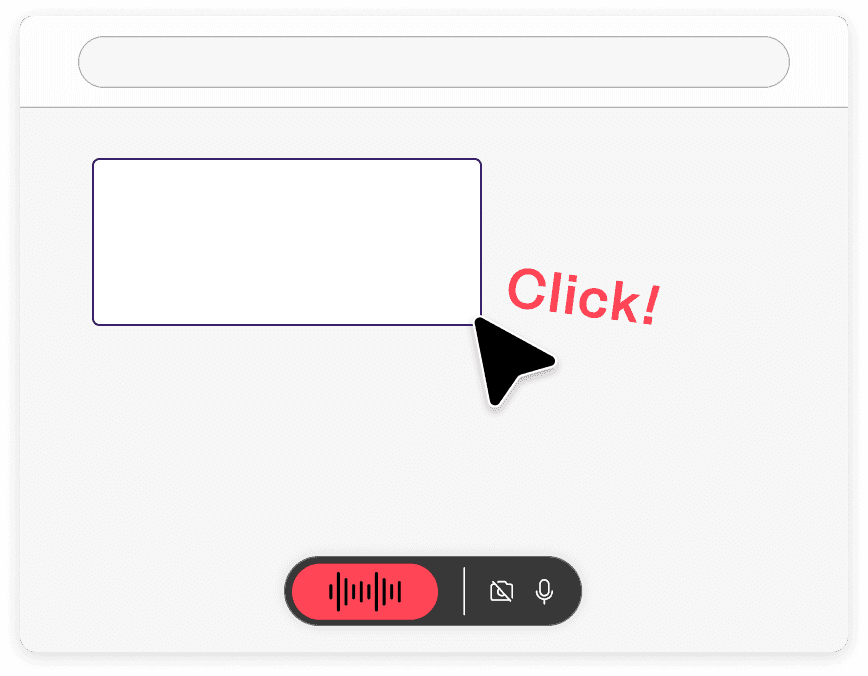
Talk through your flow
Voiceover and click through your flow to create your walkthrough
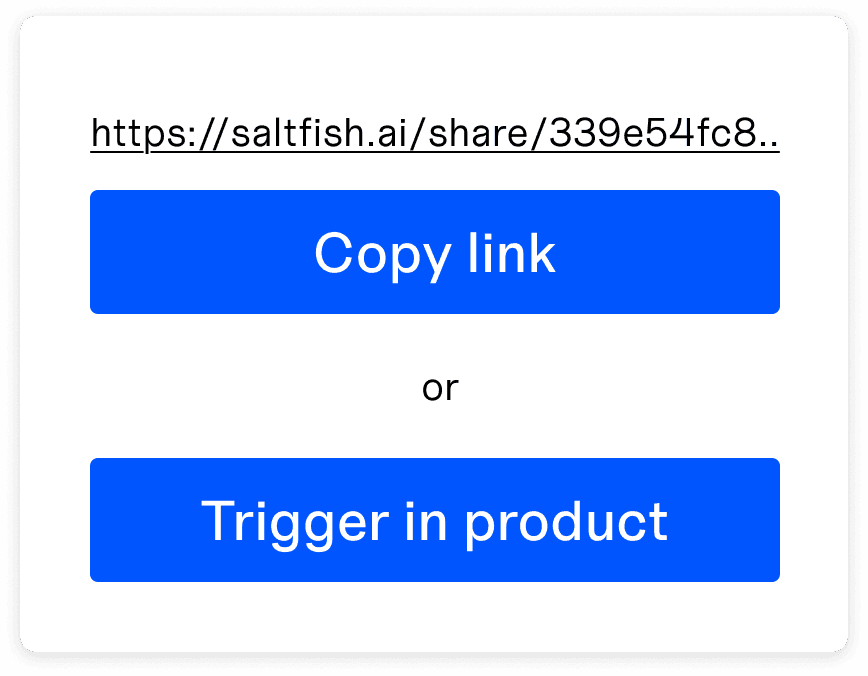
Share with users
Start the walkthrough with a sharable link, or trigger in-product
Record with extension
Start recording in any product with our browser extension
Talk through your flow
Voiceover and click through your flow to create your walkthrough
Share with users
Start the walkthrough with a sharable link, or trigger in-product
Record with extension
Start recording in any product with our browser extension
Talk through your flow
Voiceover and click through your flow to create your walkthrough
Share with users
Start the walkthrough with a sharable link, or trigger in-product
use cases
How teams use Saltfish
Product
Post-sales
Marketing
Sales
Guide users from first touch to activation
Launch interactive video walkthroughs inside your product to guarantee your users have a successful first session
Learn more

Product
Post-sales
Marketing
Sales
Guide users from first touch to activation
Launch interactive video walkthroughs inside your product to guarantee your users have a successful first session
Learn more
Product
Post-sales
Marketing
Sales
Guide users from first touch to activation
Launch interactive video walkthroughs inside your product to guarantee your users have a successful first session
Learn more
Powering hundreds of thousands of user experiences


customers
Trusted by great companies



features
Everything you need to create, share and track video walkthroughs
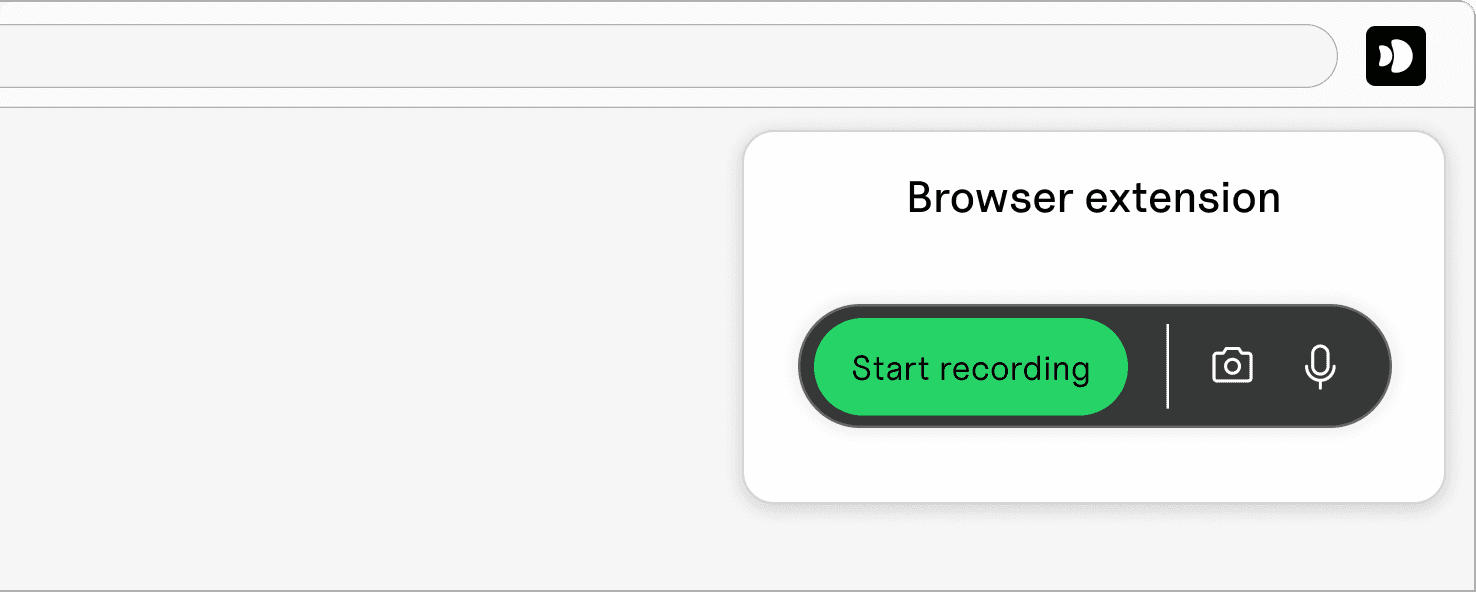
Browser extension
Create video walkthroughs in seconds with our browser extension. Just hit record and start talking
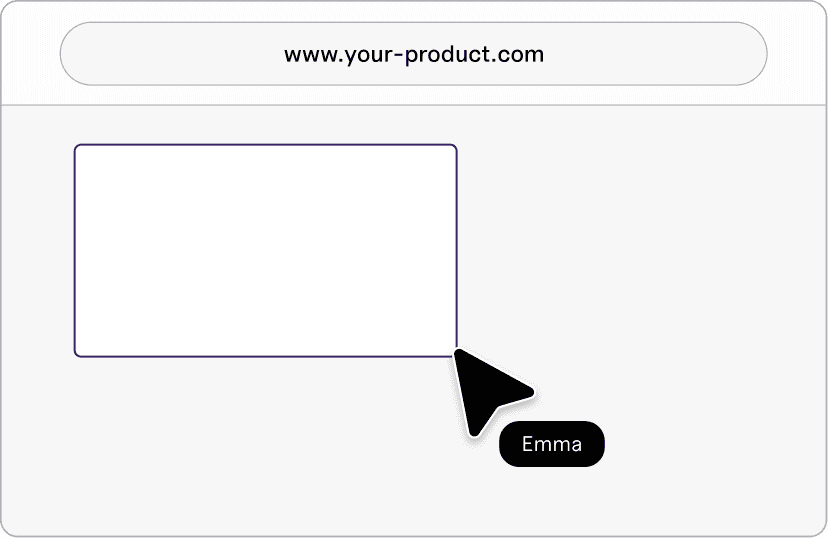
Point and highlight
Guide users by visually highlighting buttons or sections in your product

AI voice & video
Don't want to be on camera? Create high quality experiences with AI
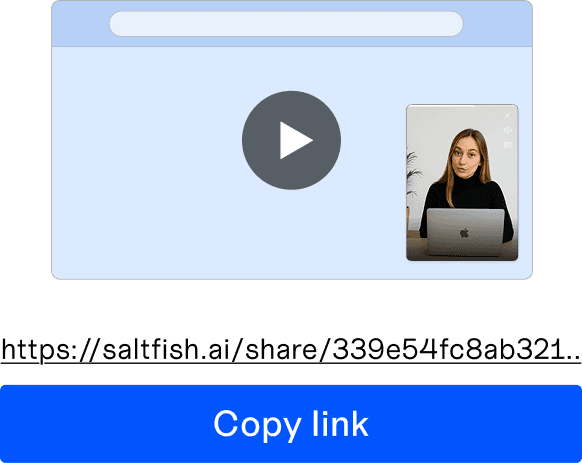
Sharable links
Trigger experiences with sharable links that send users into your product
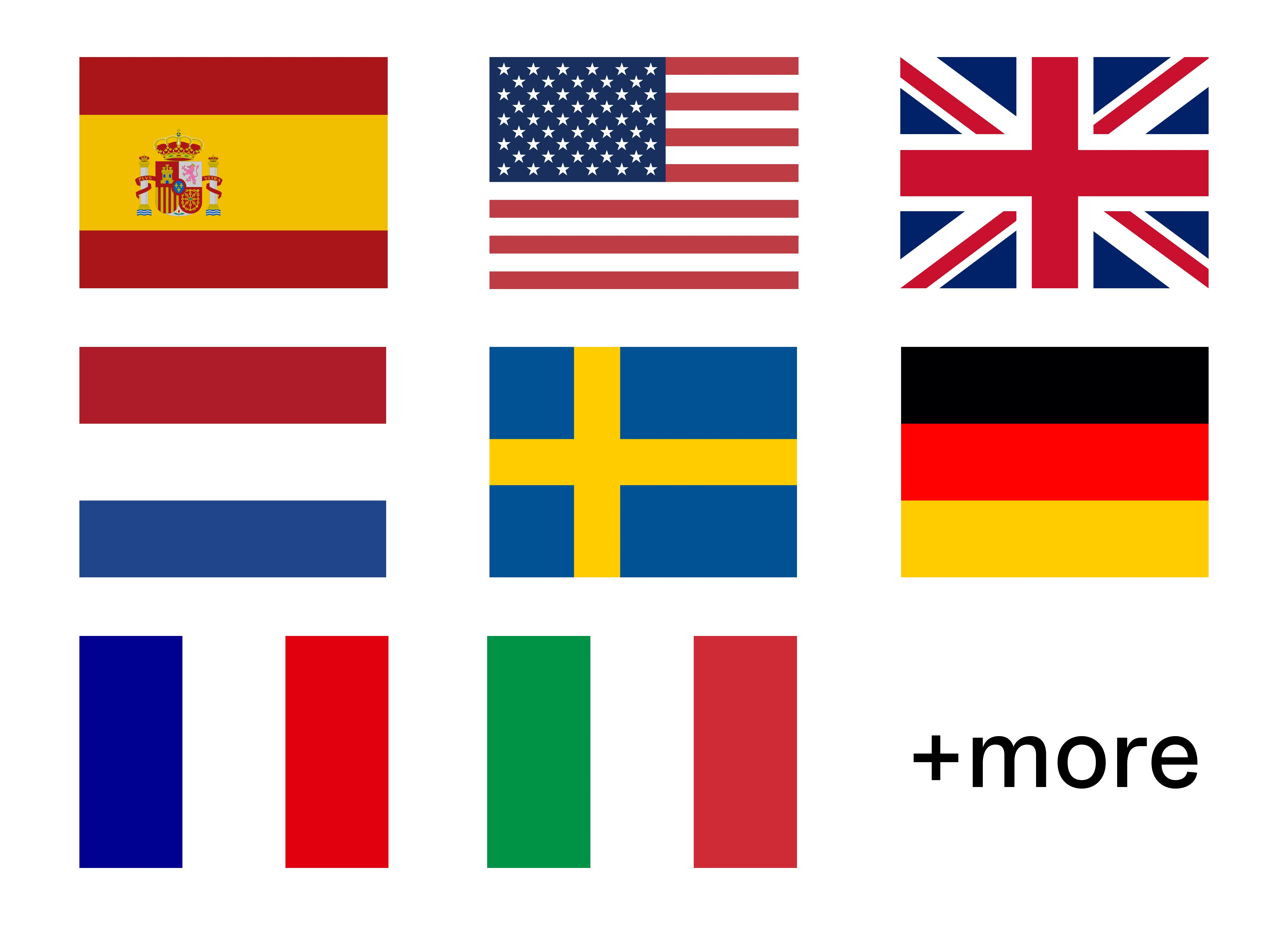
In 99+ languages
Communicate with users in their native language
Browser extension
Create video walkthroughs in seconds with our browser extension. Just hit record and start talking
Point and highlight
Guide users by visually highlighting buttons or sections in your product
AI voice & video
Don't want to be on camera? Create high quality experiences with AI
Sharable links
Trigger experiences with sharable links that send users into your product
In 99+ languages
Communicate with users in their native language
Browser extension
Create video walkthroughs in seconds with our browser extension. Just hit record and start talking
Point and highlight
Guide users by visually highlighting buttons or sections in your product
AI voice & video
Don't want to be on camera? Create high quality experiences with AI
Sharable links
Trigger experiences with sharable links that send users into your product
In 99+ languages
Communicate with users in their native language
FAQ
Frequently asked questions
FAQ
Is it real video or AI video?
We support both traditional video and generating video using AI. For traditional video you can either 1) Record yourself directly in Saltfish 2) Share a record link to someone else 3) Upload video For AI video you can either 1) Clone a real person 2) Use an AI Actor
How does implementation look?
Saltfish is implemented as a script, either through 1) Google Tag Manager 2) Npm package library 3) Script tag Implementation takes 1-20 minutes depending to approach. Once done, non-technical people can build and launch video experiences without ever involving a developer again
What type of analytics can I track?
Analytics is optional, but by default Saltfish tracks all engagement data. This includes: 1) Sessions 2) Starts 3) Completes 4) Drop-offs for every single video.
Who owns the videos created?
You as a customer own all material that is created in the platform.
Can I get a demo for my website?
When you sign-up to the product we automatically generate a demo based on your site. If you'd like a demo over a call you can book a time with us.
Is it real video or AI video?
We support both traditional video and generating video using AI. For traditional video you can either 1) Record yourself directly in Saltfish 2) Share a record link to someone else 3) Upload video For AI video you can either 1) Clone a real person 2) Use an AI Actor
How does implementation look?
Saltfish is implemented as a script, either through 1) Google Tag Manager 2) Npm package library 3) Script tag Implementation takes 1-20 minutes depending to approach. Once done, non-technical people can build and launch video experiences without ever involving a developer again
What type of analytics can I track?
Analytics is optional, but by default Saltfish tracks all engagement data. This includes: 1) Sessions 2) Starts 3) Completes 4) Drop-offs for every single video.
Who owns the videos created?
You as a customer own all material that is created in the platform.
Can I get a demo for my website?
When you sign-up to the product we automatically generate a demo based on your site. If you'd like a demo over a call you can book a time with us.
Is it real video or AI video?
We support both traditional video and generating video using AI. For traditional video you can either 1) Record yourself directly in Saltfish 2) Share a record link to someone else 3) Upload video For AI video you can either 1) Clone a real person 2) Use an AI Actor
How does implementation look?
Saltfish is implemented as a script, either through 1) Google Tag Manager 2) Npm package library 3) Script tag Implementation takes 1-20 minutes depending to approach. Once done, non-technical people can build and launch video experiences without ever involving a developer again
What type of analytics can I track?
Analytics is optional, but by default Saltfish tracks all engagement data. This includes: 1) Sessions 2) Starts 3) Completes 4) Drop-offs for every single video.
Who owns the videos created?
You as a customer own all material that is created in the platform.
Can I get a demo for my website?
When you sign-up to the product we automatically generate a demo based on your site. If you'd like a demo over a call you can book a time with us.
Is it real video or AI video?
We support both traditional video and generating video using AI. For traditional video you can either 1) Record yourself directly in Saltfish 2) Share a record link to someone else 3) Upload video For AI video you can either 1) Clone a real person 2) Use an AI Actor
How does implementation look?
Saltfish is implemented as a script, either through 1) Google Tag Manager 2) Npm package library 3) Script tag Implementation takes 1-20 minutes depending to approach. Once done, non-technical people can build and launch video experiences without ever involving a developer again
What type of analytics can I track?
Analytics is optional, but by default Saltfish tracks all engagement data. This includes: 1) Sessions 2) Starts 3) Completes 4) Drop-offs for every single video.
Who owns the videos created?
You as a customer own all material that is created in the platform.
Can I get a demo for my website?
When you sign-up to the product we automatically generate a demo based on your site. If you'd like a demo over a call you can book a time with us.

Try Saltfish today
Completely free, no credit card