
How to Check Backlinks in Google Search Console
·2 min read
In this article
Backlinks are one of the most important ranking factors in SEO. Google Search Console gives you a free way to see which external websites are linking to your site, helping you understand your link profile and identify new linking opportunities.
In this tutorial, you'll learn how to access your backlink data in Google Search Console, view your top linking sites, and export the full list for further analysis.
Here's how to check backlinks in Google Search Console
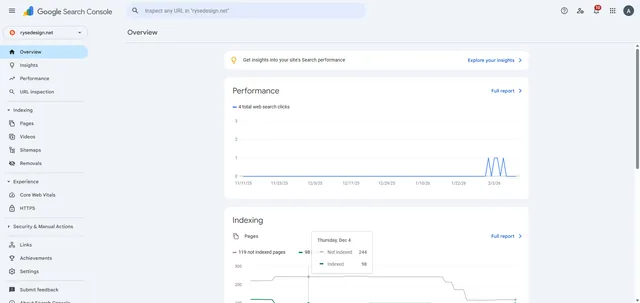
- Open the Search property menu and choose the website you want to check backlinks for.
- Go to Links to view your external and internal link data.
- Navigate to "Top linking sites".
- Click "More".
- View the total number of external links pointing to your site.
- Browse the list of linking domains.
- Click "EXPORT" to download the full backlink data in your preferred format.
Your turn to show how it works.
Build a walkthrough of your product with Saltfish, then share it with your customers.
Frequently Asked Questions
Google Search Console shows a representative sample of backlinks, not every single link. For a more comprehensive backlink analysis, you may want to supplement this data with third-party tools like Ahrefs or Semrush.
 Google Search Console