
PDF to video, early access
Turn any PDF into a video in your brand
Saltfish’s AI reads your PDF, writes the script and turns it into a narrated video with your logo, colours and voice
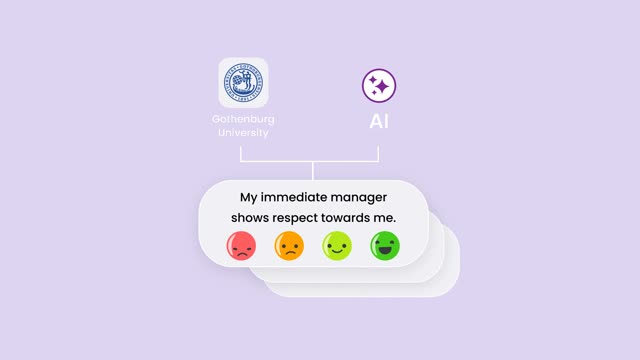

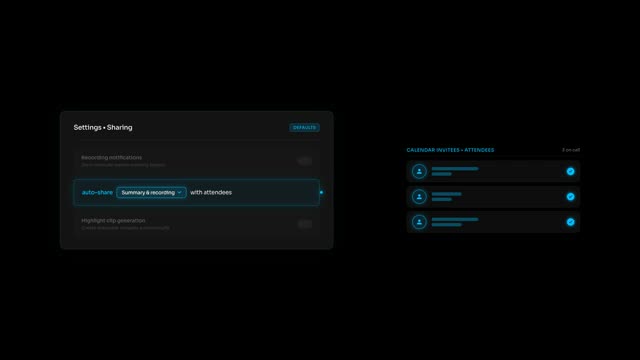

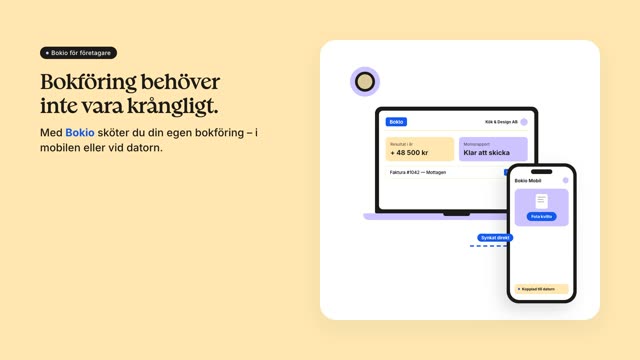
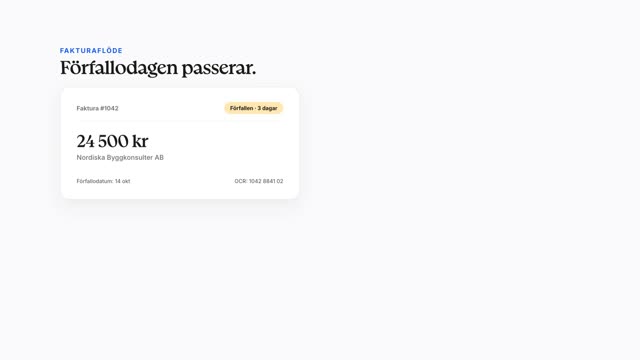
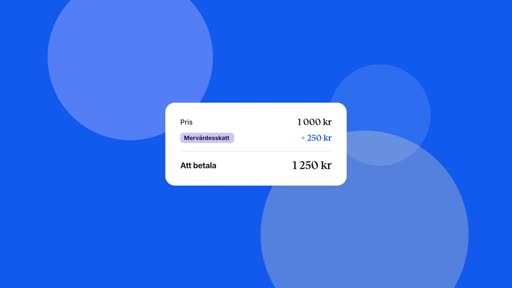
Built from your document
What Saltfish reads from your PDF
It reads every page, so the video keeps your facts, explains your charts and reuses your own images
What it reads
q3-product-report.pdf
Every fact and number
Figures, names and claims go into the script the way your document states them
Charts, explained
The voiceover walks through what each chart shows instead of skipping it
Your own images
Photos and illustrations inside the PDF can appear in the scenes
The document’s look
Its colours and layout guide the scenes, next to your brand kit
How it works
How to convert a PDF to video in three steps
Saltfish’s AI does the work, so there is no editing software to learn and no agency to brief
- Drop your PDF here
q3-product-report.pdf
18 pages
1Upload your PDF
A whitepaper, guide, report or product sheet, up to 45 MB
- AIMaking your video
- Every page read
- Script written from your PDF
- Scenes designed in your brand
- Video rendering
2Saltfish’s AI makes the video
It reads every page, writes the script, designs the scenes in your brand and adds a voiceover
 1:00YouTube, help center, emailMP43
Review and download
Watch it, change anything you want, then download the MP4 for YouTube, your help center or a sales email
Try it on your own PDFs
Join the waitlist and we will let your team in as soon as there is room
Your brand, built in
Videos that look like your brand, not like AI
Saltfish studies your website, videos and brand guidelines once, so every video uses your logo, colours, fonts, voice and style
Brand profile
Bokio
- Logo
- Colours
- #1259EF
- Fonts
- Bokio Serif + Inter
- Voice
- Warm and friendly
- Style
- Calm and smooth
Use cases
What teams turn from PDF into video
The documents you already wrote are the fastest way to more video, for every team that sends a PDF today
Marketing
Whitepapers and reports to video
Turn a long report into a short video that buyers finish and AI search can cite
Sales
Product sheets and sales decks to video
Give sales a video version of every one-pager to send before and after a call
Customer success
Onboarding guides and manuals to video
Walk new customers through setup with a video instead of a thirty-page PDF
Internal teams
Training and policy documents to video
Roll out training and policy updates in a format people actually watch
Why it pays
AI search cites YouTube more than any other website
Your PDFs already hold the answers, video puts them where AI search looks first
#1
Most cited website in Google's AI answers
YouTube22.9%Reddit18.5%Facebook10.1%Google8.8%Instagram5.6%3.4x
More often cited by AI after a publisher turned its articles into YouTube videos
Before1xAfter3.4x4 in 10
Of the YouTube videos AI cites have under 1,000 views, so you do not need a big channel
Under 1k views41%1k or more59%
Cost
A video for every PDF, for a fraction of an agency’s price
One agency video costs about $5,400 and takes six weeks, Saltfish makes yours for a fraction of both
Cost per video
Time to deliver
Source: Agency: Wyzowl survey of 116 studios, median quote for a 60s explainer
FAQ
PDF to video questions
How do I convert a PDF to video?
Upload the PDF and Saltfish’s AI reads it, writes the script, designs the scenes in your brand and records the voiceover, then you review the video and download it
How long can my PDF be?
Files up to 45 MB work, and Saltfish reads the whole document for the script while it looks closely at up to 24 pages for their layout and pictures
Will the video use the charts and images from my PDF?
Yes, the voiceover explains what your charts show and the pictures inside the PDF are offered to the scenes, apart from logos and graphics that repeat on every page
Do I need video editing skills?
No, Saltfish’s AI writes, designs and voices the video, so your part is to review it and ask for any changes
Can I change the video before it goes out?
Yes, you see the script and the storyboard before anything is made, and you can adjust any scene once the video is ready
Can I turn a PowerPoint into a video too?
Yes, a .pptx works the same way with its text, speaker notes and images read into the script, and blog posts and web pages work too
Which languages can the voiceover speak?
The voiceover speaks English, Swedish and the other major European languages, in a voice that fits your brand
What do I get at the end?
An MP4 in your brand, ready for YouTube, your help center, a landing page or a sales email
How is Saltfish different from AI avatar video tools?
Avatar tools put a presenter in front of your slides, while Saltfish designs every scene in your brand around the facts, charts and images in your document
Is there a free plan for PDF to video?
PDF to video is in early access, and teams on the waitlist get in first, a few at a time
Be first to turn your PDFs into video
We let teams in a few at a time, and the waitlist goes first
Starting from blog posts instead? Turn your blog into video or book a demo