
How to Send a Multiline Message in Slack
·1 min read
In this article
Here's how to send a multiline message in Slack
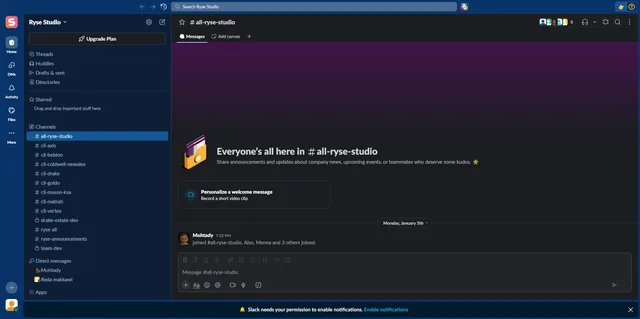
- Select a DM where you'd like to send a message
- Begin typing your message and press 'Shift+Enter' to go to the next line
- Finish writing your message
- Click 'Send' when you're done
- Your multiline message is now sent
Ready to get started with
interactive demos?
Frequently Asked Questions
Press Shift+Enter to create a new line in your message. Pressing Enter alone will send the message immediately.
 Slack
Slack