How to Get Github Profile Link
·2 min read
In this article
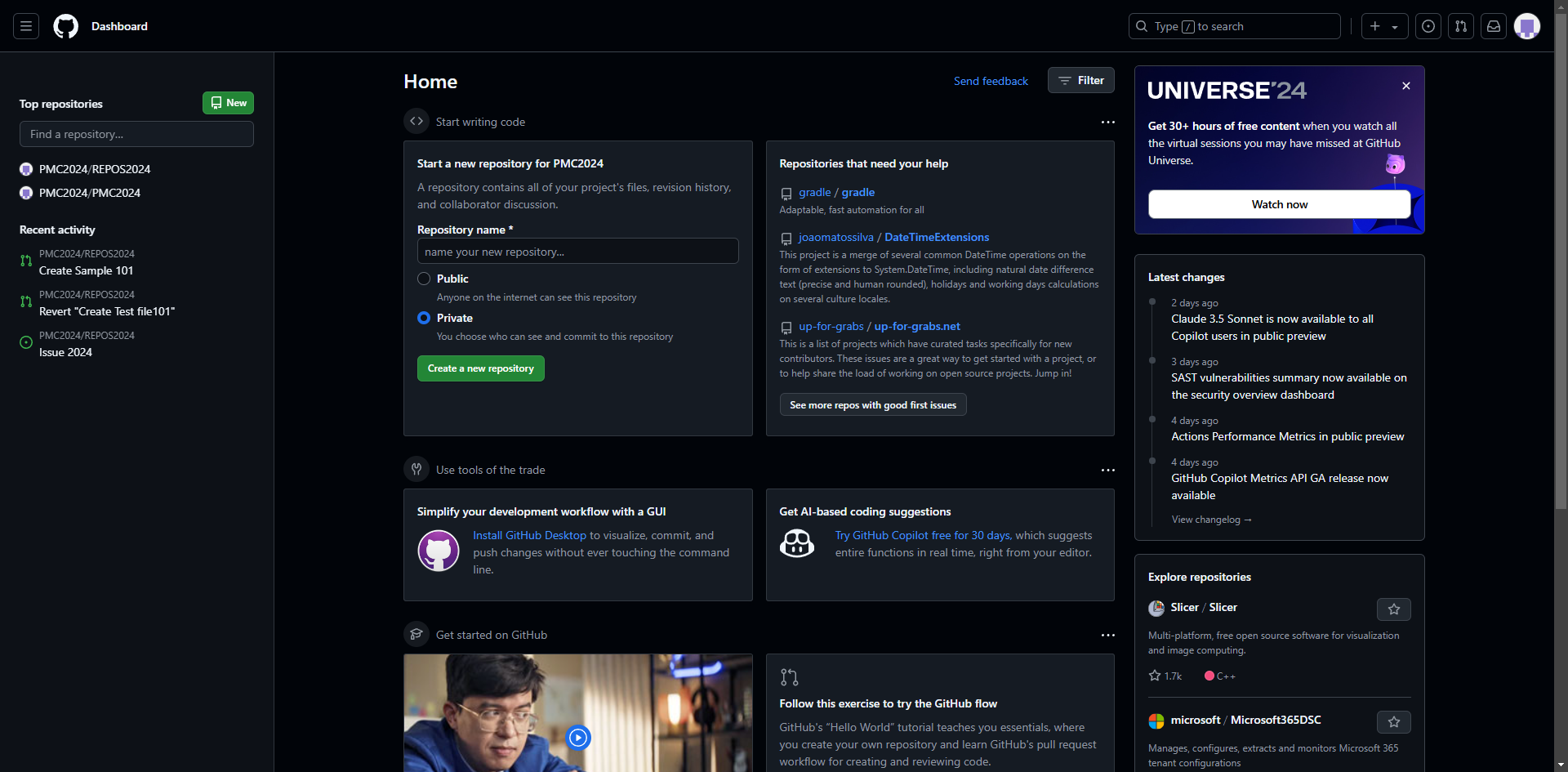
Here's how to get github profile link in GitHub
- Navigate to GitHub and ensure you're logged into your account.
- Locate and click on your profile picture or avatar in the top-right corner of the page.
- Select 'Your profile' from the dropdown menu that appears.
- Wait for your profile page to load completely.
- Copy the URL from your browser's address bar, which follows the format github.com/yourusername.
Ready to get started with
interactive demos?
Frequently Asked Questions
Your GitHub profile URL is based on your username, so you can change it by updating your GitHub username in your account settings. Keep in mind that changing your username will break existing links to your profile and repositories.